
What does dive shop POS software need to do?
A dive shop's counter is not a clothes shop's counter. The same customer buys a mask, rents a wetsuit for three days, leaves a regulator for servicing and still owes for their course. DiveOps gives you one till that knows all of that.
The short answer
Dive shop POS software is the till for everything a dive shop sells: retail gear, rentals, servicing and courses. DiveOps puts the till in the same login as your bookings, so each sale lands on the customer's record, stock updates, the cash drawer balances, and one payment can cover a booking and a shop tab.
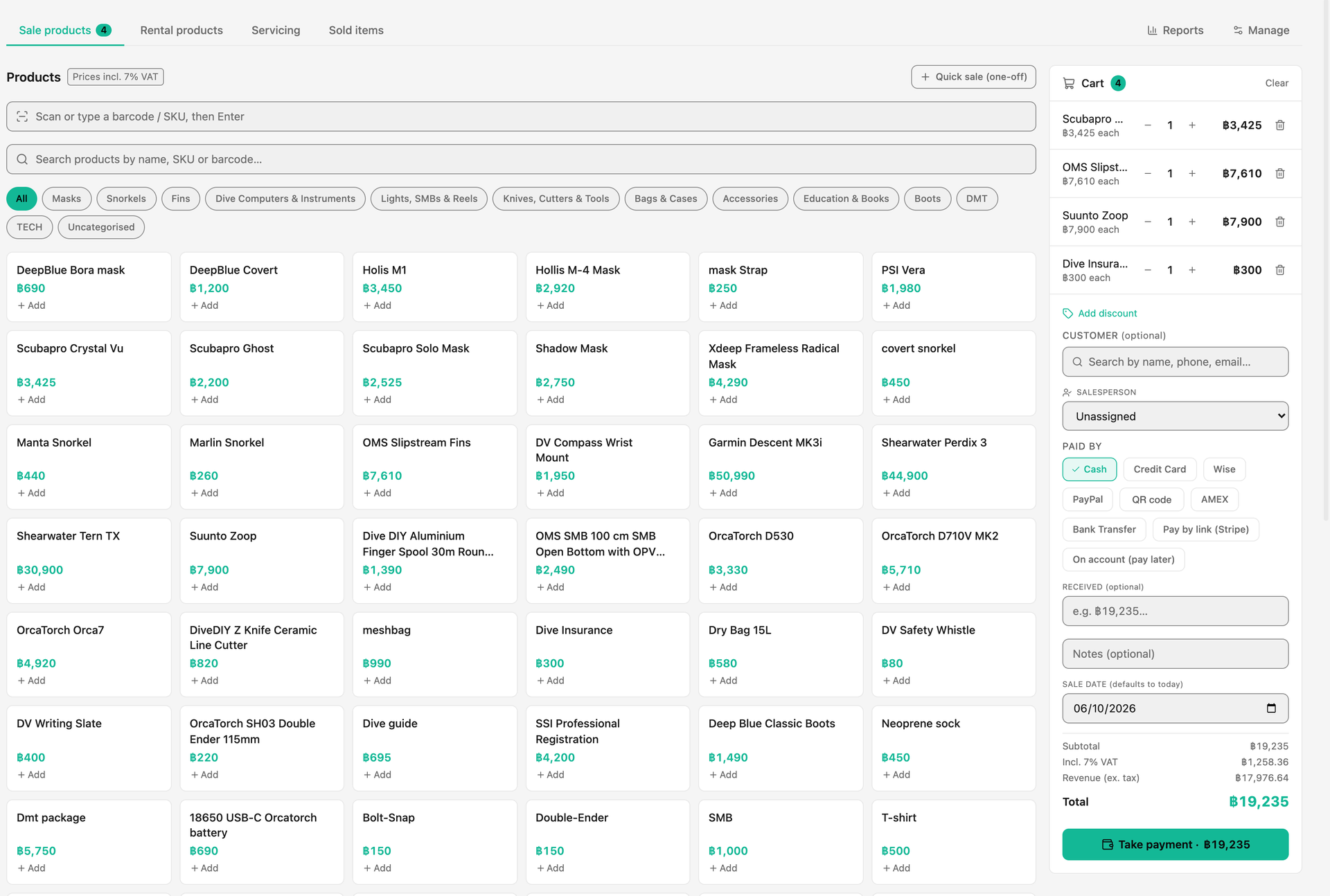 (opens full size in a new tab)
Why does a dive shop need more than a generic till?
A dive shop needs a till that knows about bookings, rentals and servicing, not just products. Generic retail tills are good at what they do: fast checkout, barcode scanning and stock counts. But they do not know the diver standing at the counter is on tomorrow's boat, that a wetsuit is rented by the day with a deposit, or that the instructor who sold the computer earns retail commission.
When the till sits apart from the bookings, someone reconciles the two by hand at the end of the day. DiveOps puts them in the same place.
What does the DiveOps shop till do?
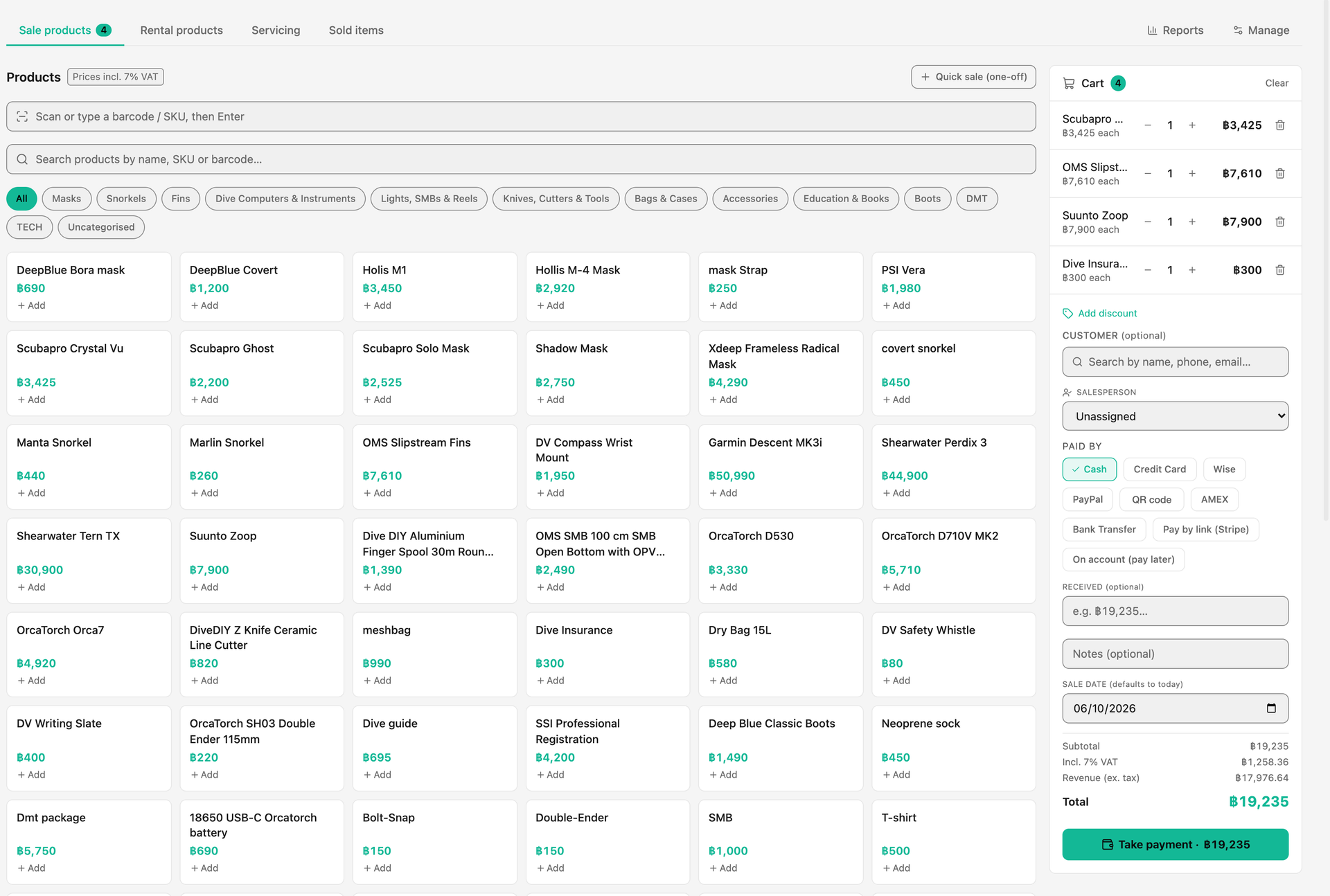
The DiveOps till rings up anything the shop sells, on one ticket, and every sale flows straight into your finance and reports.
- Find products by tile, category, name, SKU or a scanned barcode, or ring up a one-off line
- Link the sale to a customer, so it shows on their purchase history
- Credit the salesperson, so retail commission reaches their payslip
- Discounts by percentage or a fixed amount, and prices shown with or without VAT
- Cash with change worked out, card, or on the customer's tab
- Printed or emailed receipts, and a tax invoice when a customer needs one
- Full or partial refunds with a reason, and a warning before ringing up the same purchase twice
- Stock warnings when an item runs low
How do rentals and servicing work alongside the till?
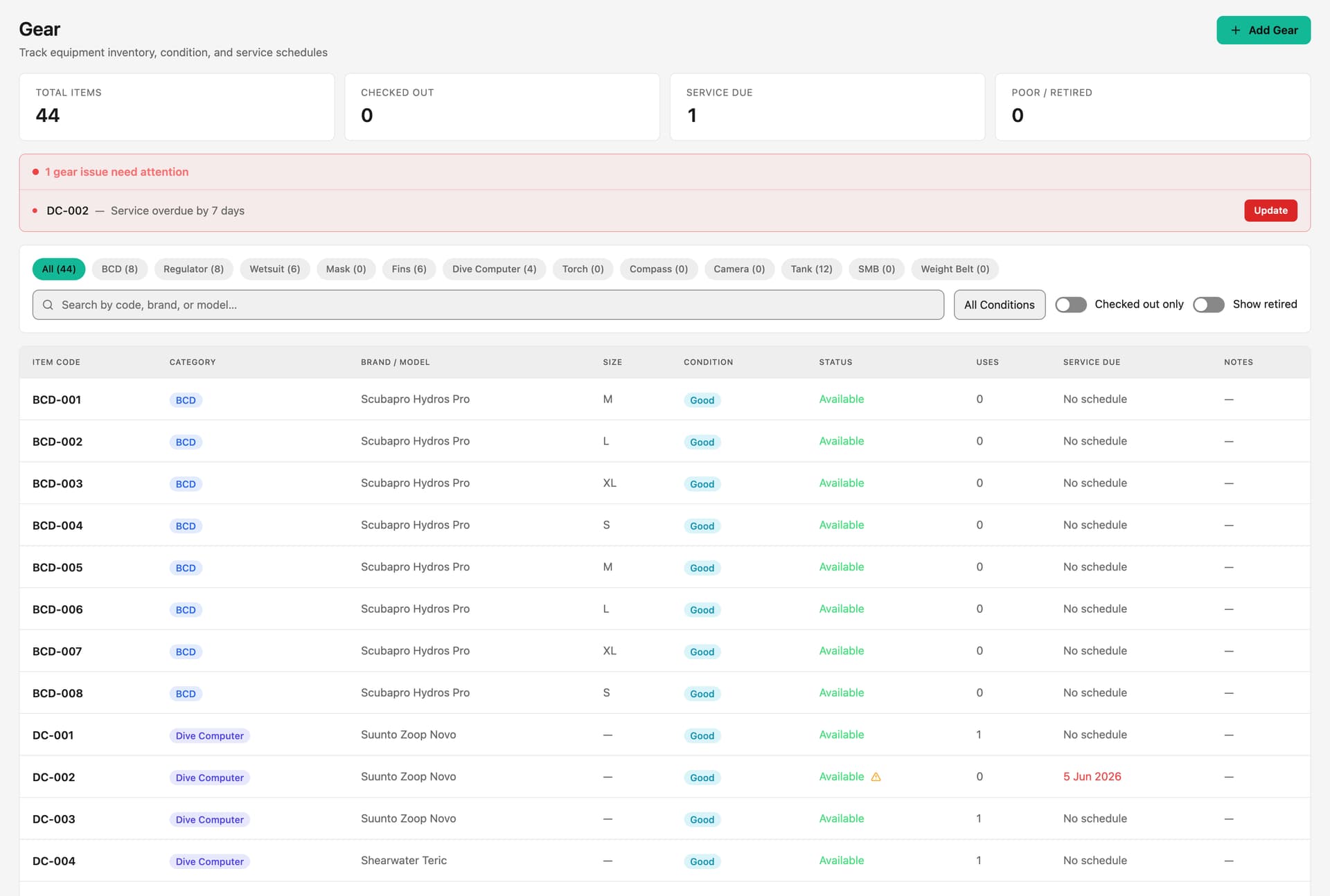
Rentals and servicing run from the same shop. Each rental item has a rate per day, per dive or per week and a suggested deposit, and shows how many are free for the dates you pick, so you cannot rent out more than you own. On return you record each item's condition and refund the deposit, or keep part of it for damage.
Rental kit can also be added to a diver's booking and paid with everything else. Servicing has its own tab: check a customer's equipment in, track it to collection, and charge for the job. See gear and rentals for how the kit room side works.
Can a booking and a shop sale go on one bill?
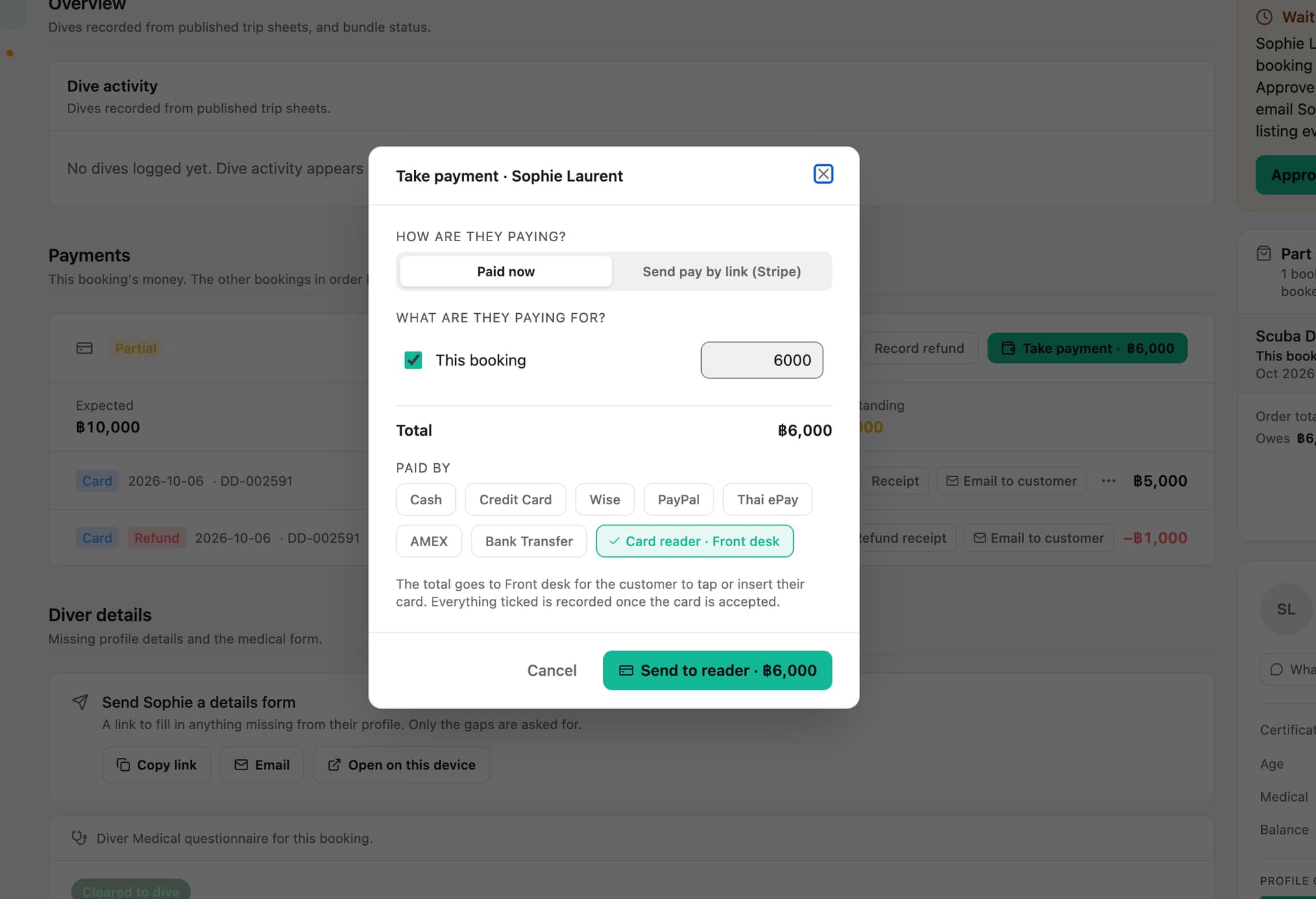
Yes. Take payment lets you tick what a customer is paying for, one or more bookings, their shop tab, or all of them, and take it in one go, with each booking and the tab getting its own payment record.
Shop tabs suit divemaster trainees, staff and regulars who buy through the week: put sales on account and they settle when it suits them. Where payment links are switched on, you can send the tab as a Stripe link or QR code to pay from their phone.
Which card readers work with the DiveOps till?
DiveOps works with Stripe's S700, S710 and WisePOS E countertop readers. You order them from Stripe's shop inside DiveOps; Stripe sells and delivers them and you pay Stripe directly. Switch the reader on, type the code it shows into DiveOps, name it Front desk or Shop, and it is ready. Card readers are switched on with us, centre by centre.
Payments go to your own Stripe account, each lands on the right booking or sale, and refunds go back to the same card. Because you pay Stripe's published rates through your own account, card fees can be up to 20% lower than the terminal rates many shops pay. That is never a guarantee; it depends on what you pay today. See card readers for the details.
How does the till keep the books straight?
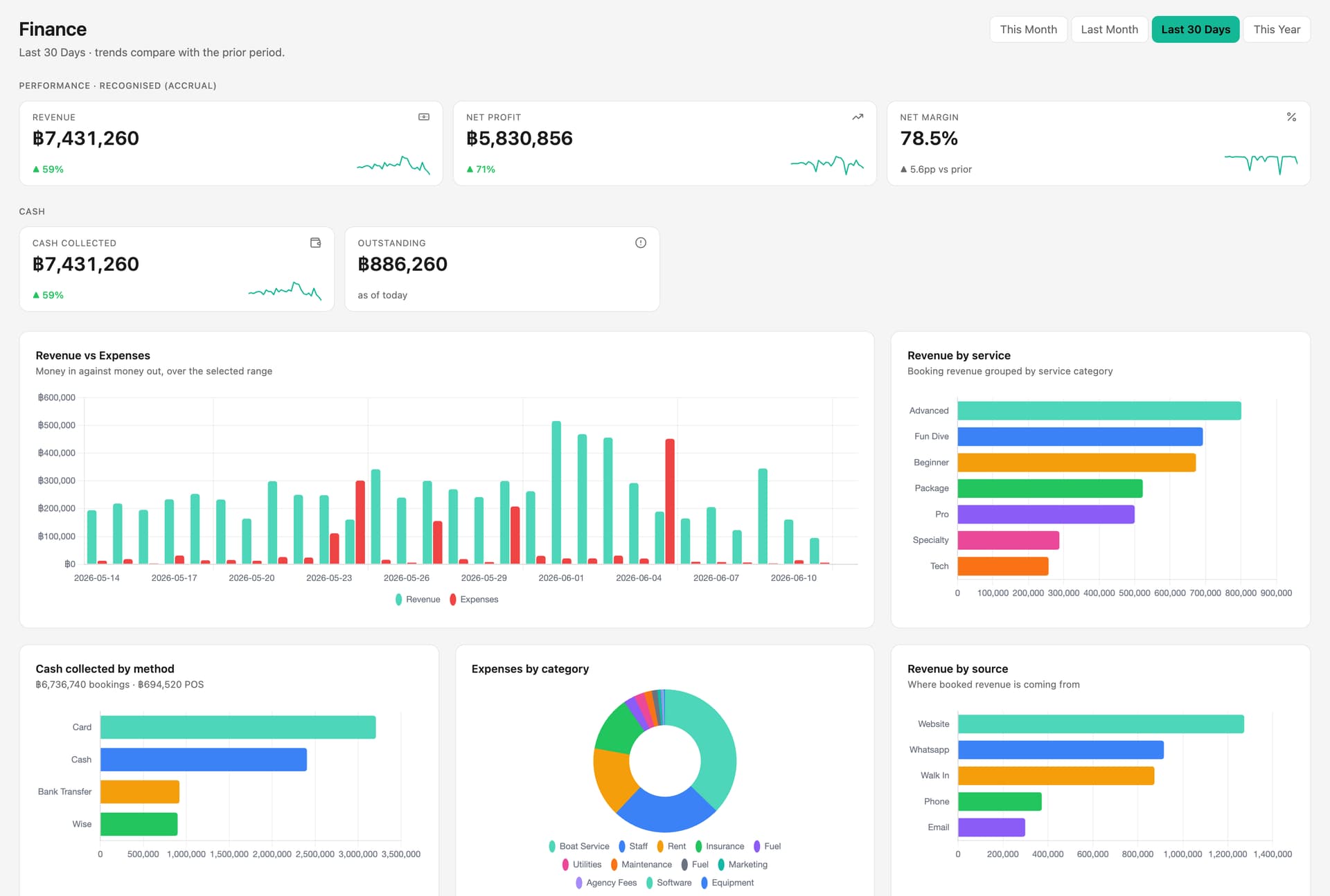
Every sale and refund posts to your finance automatically, so the till and the books never disagree. Open the cash drawer with a float in the morning; cash sales, cash bookings, rentals and expenses are counted for you, and at close you enter the count and see whether you are balanced, over or short.
Retail reports show net sales, gross margin, best sellers, sales by category and what to reorder, for today, this week, this month or the last 30 days, and sales export as CSV for your accountant.
Questions, answered.
Can the DiveOps till handle rentals as well as retail?
Yes. Rental items have a rate per day, per dive or per week and a deposit, availability is checked for the dates, and returns record condition and settle the deposit. Rental kit can also go on a diver's booking.
Do I need my own Stripe account for card payments?
Yes. Card payments, including on a card reader, go to your own Stripe account connected to DiveOps, so the money lands with you. Cash and your other payment methods work at the till too.
Which card readers can I use?
Stripe's S700, S710 and WisePOS E countertop readers. You order them inside DiveOps and pay Stripe directly. Card readers are switched on with us, so ask on your demo.
Does the till handle VAT and tax invoices?
Yes. Prices can include or exclude tax, the cart shows the breakdown, and any sale can print a numbered tax invoice with your address and tax ID.
Is the POS priced separately?
No. The till is part of the one DiveOps plan, priced by the divers you take each year. Card readers are bought from Stripe.
See it run your dive centre.
A short live walkthrough on your real schedule. No slides, no sales patter.