
Order a card reader inside DiveOps. Take payments the day it arrives.
The short answer
DiveOps lets a dive centre order a Stripe countertop card reader from its settings, add it with the code on the reader's screen, and take card payments at the front desk and the shop till. Every payment lands on the right booking or sale, and the money goes to your own Stripe account.
How do I get a reader?
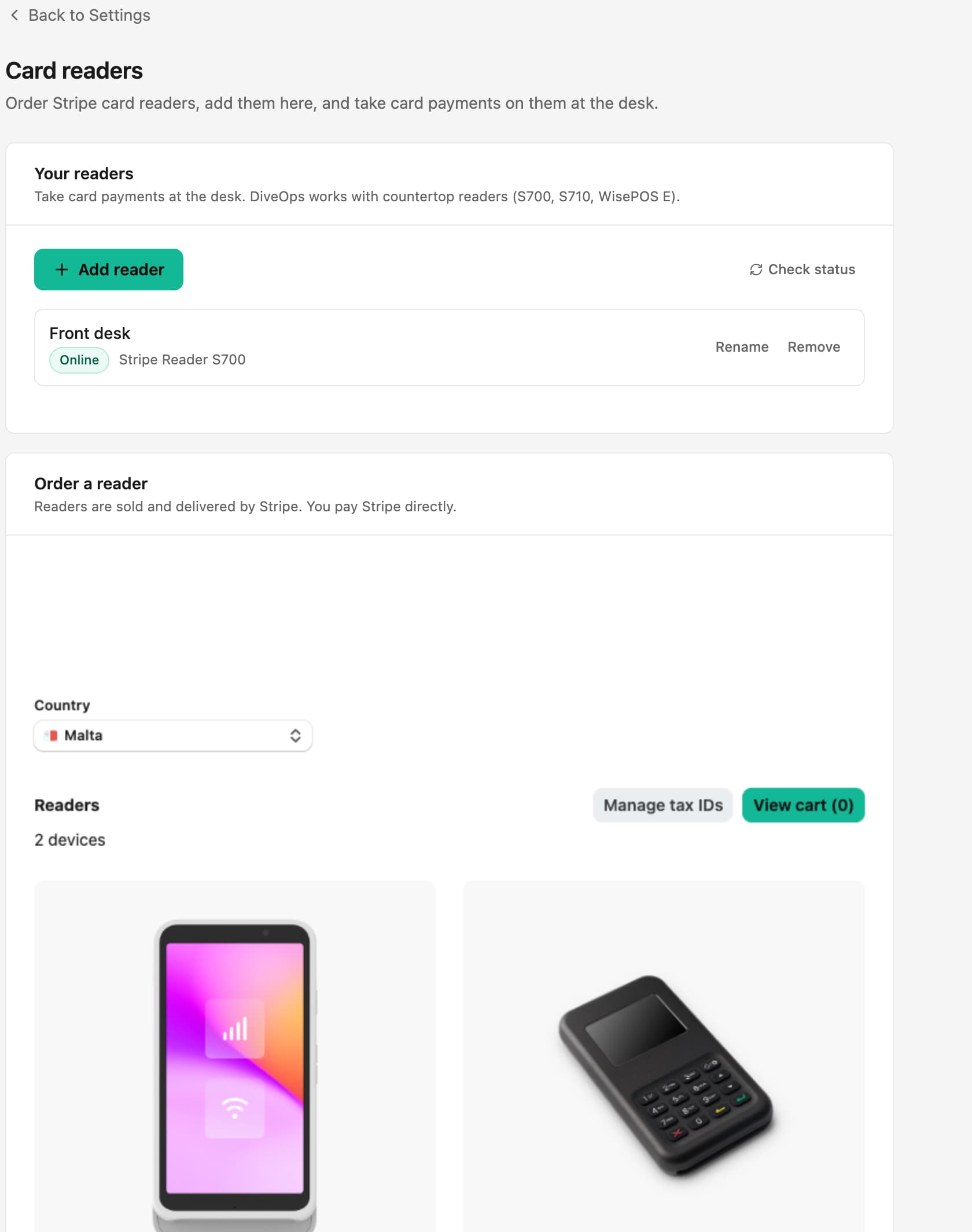
Open Card readers in Settings and order from Stripe's shop inside DiveOps. Readers are sold and delivered by Stripe and you pay Stripe directly. DiveOps works with the S700, S710 and WisePOS E countertop readers.
How do I connect it?
Switch the reader on, choose Add reader in DiveOps, type the code it shows and give it a name, such as Front desk or Shop. It shows as online and is ready for payments.
What can I take payment for?
Bookings at the desk, sales at the shop till and customers' tabs. The payment is recorded against the booking or sale it was for, so the day's takings and the books are right without anyone typing it in twice. Refunds of a card payment go back to the same card.
Questions, answered.
Do I need my own Stripe account?
Yes. Payments go to your own Stripe account, connected to DiveOps, so the money lands with you.
Is it on for every centre?
Card readers are switched on centre by centre with us. Ask on your demo and we will set it up.
Can I still take cash?
Yes. The till takes cash and card, and the cash drawer count tells you if you are over or short at the end of the day.
See it run your dive centre.
A short live walkthrough on your real schedule. No slides, no sales patter.