
The short answer
Diver Watch is an in-water headcount. Instructors check their group in and out from their phone. If a group is late, the boat and shop see it and the team is emailed.
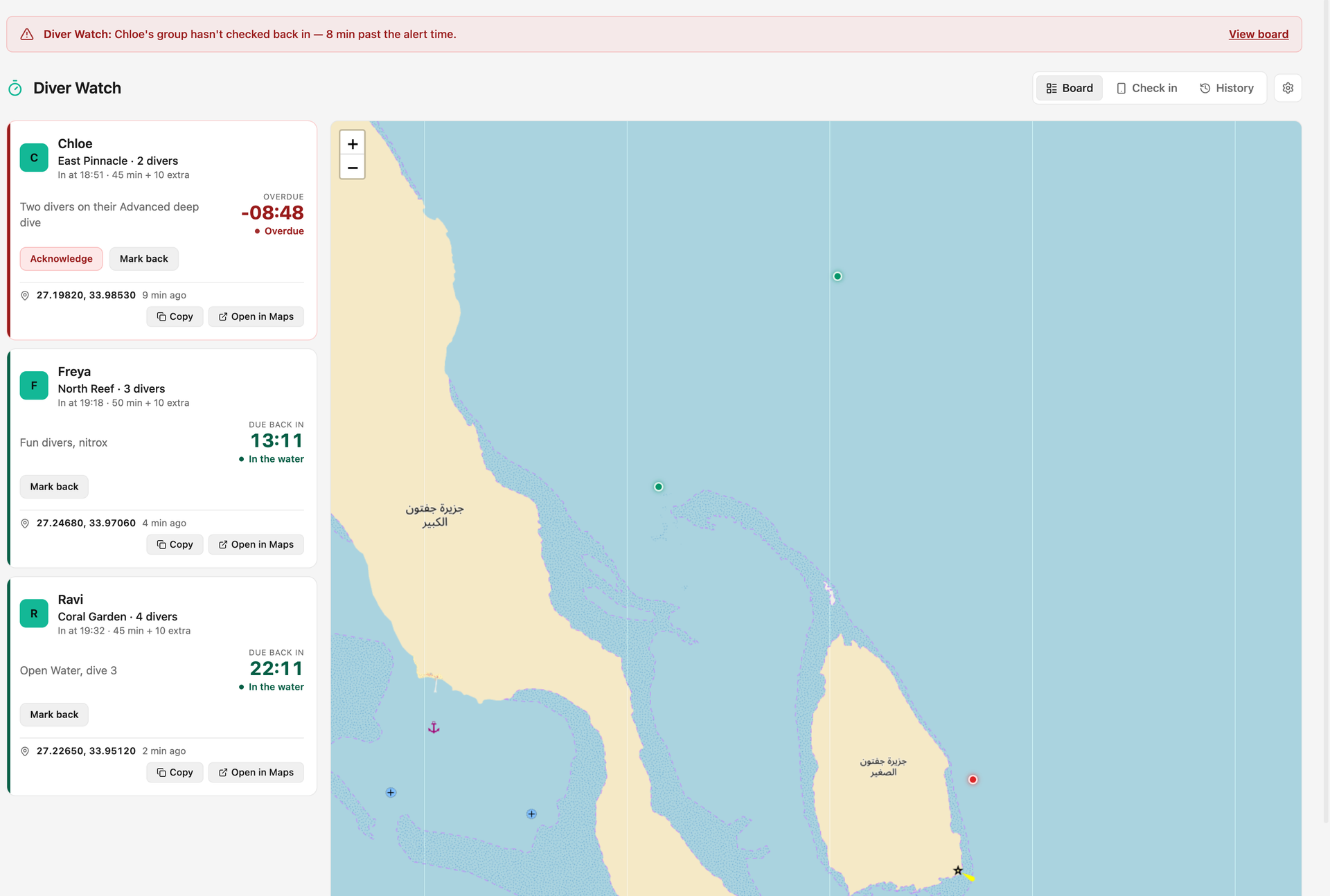 (opens full size in a new tab)
How does an instructor use it?
Before going in, the instructor taps Check in, picks the dive site, the number of divers and the planned time. Back on the surface, one tap marks the group back. Nothing else to fill in.
What happens if a group is late?
When the planned time runs out, the card turns red, a banner appears and the team is emailed. An all-back email follows when they surface.
Where is the group?
When the instructor's phone shares its position on the surface, the board shows the group's last known spot on the map, with coordinates you can copy or open in maps. Phones have no position underwater, so it is the last surface fix.
The History view keeps every dive for the day and the season.
Questions, answered.
Is Diver Watch on for every centre?
Diver Watch is switched on centre by centre with us. Ask on your demo.
Who gets the overdue email?
Your team, by email, as soon as a group is overdue, and again when everyone is back. Each alert is sent once, never repeated.
Does it replace our own emergency procedures?
No. It supports your procedures with a clear headcount and an early warning; your emergency action plan still comes first.
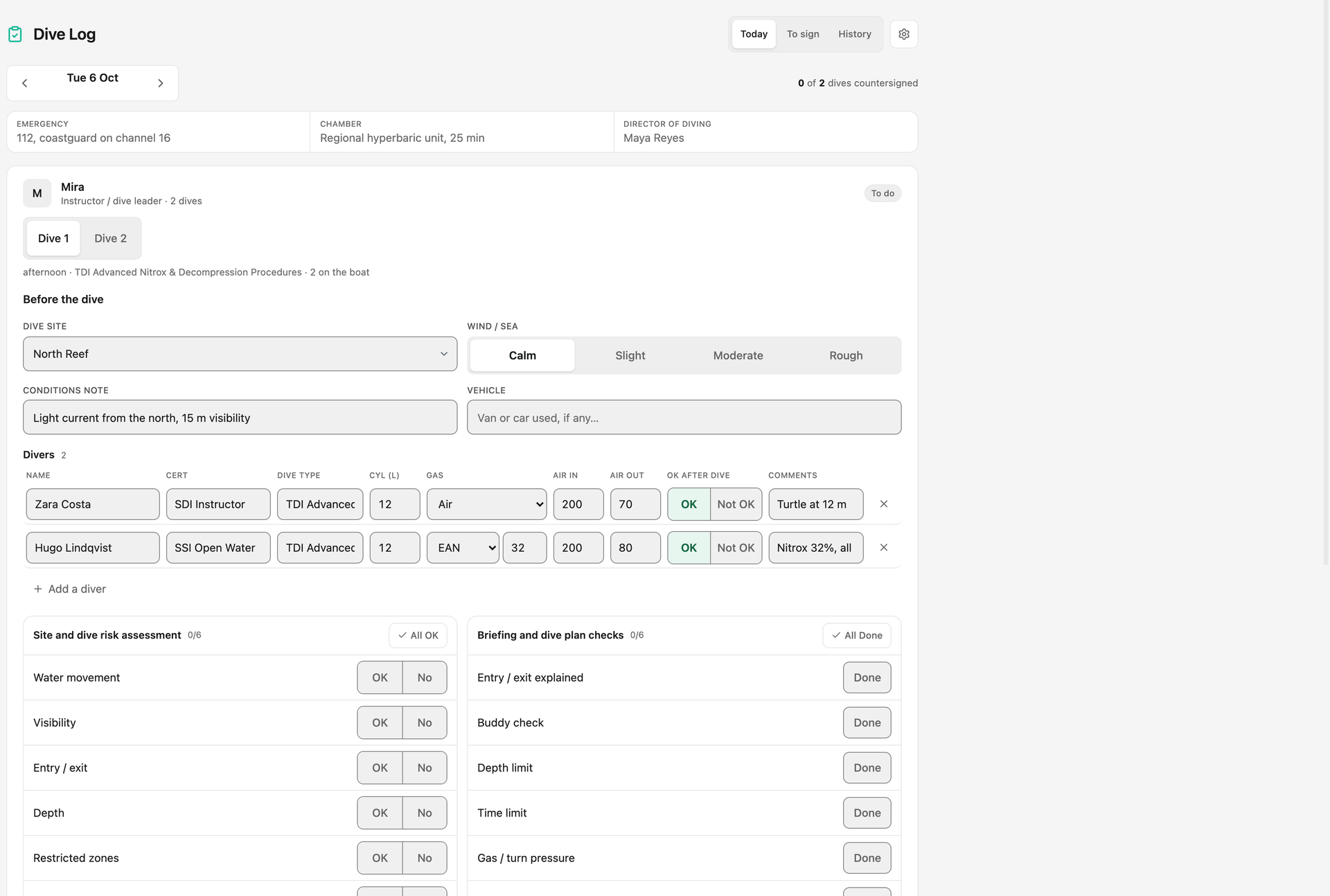
See it run your dive centre.
A short live walkthrough on your real schedule. No slides, no sales patter.